

Payment reminders and late fees
Configure the reminder cycle before and after due dates, and automatic late-fee invoices.
Invoicing feature
Available from the Basic plan (OMR 39.00). Sign in to your agency to see whether your plan includes it.
agency.reminder_cycles.editOn this page
Reminder cycle
In Settings → Billing → Reminders define the steps: e.g. 7 days before due (friendly reminder), on due date, 3 days after (overdue), 10 days after (final notice). Each step picks channels (WhatsApp, email, push, in-app) and a message template per language.
Reminders run every morning in your agency timezone and stop automatically once the invoice is paid. The timeline of each invoice shows which reminders were sent and whether they were delivered or read.
Late fees
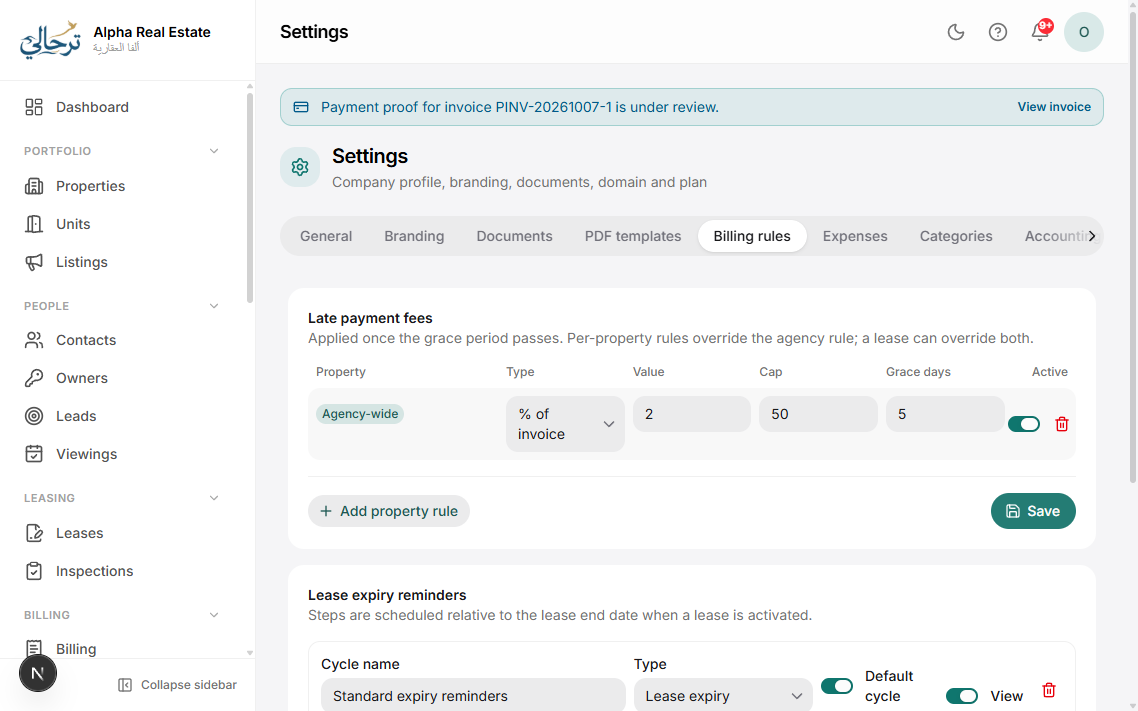
Enable late fees in Settings → Billing → Fees: a grace period, then a fixed amount or percentage per day/week/month, with an optional cap. The fee is added as a separate invoice (or line) so the original stays clean, and it is referenced in the overdue reminders.
Keep the first message friendly and the final one formal — you can write the wording per step in both languages.
Was this article helpful?