

How invoices are generated
Lease schedules, due dates, numbering, VAT and what happens when a lease changes.
Invoicing feature
Available from the Basic plan (OMR 39.00). Sign in to your agency to see whether your plan includes it.
agency.invoices.viewOn this page
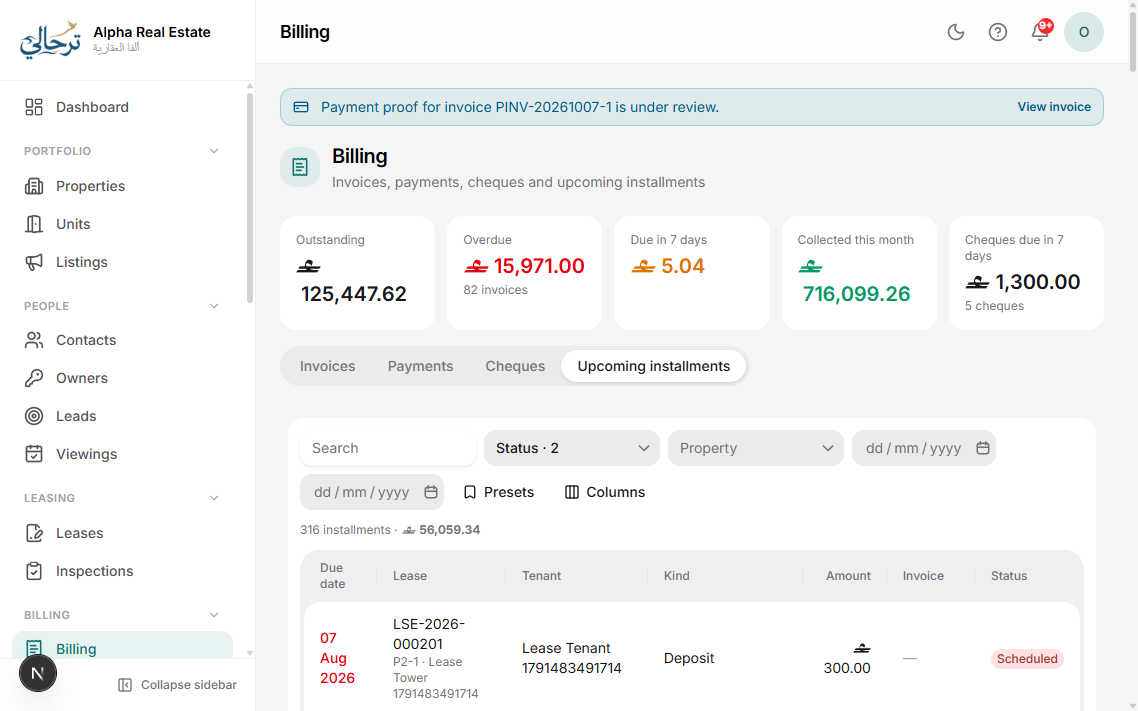
You rarely create rent invoices by hand. When a lease is activated, Boyoti creates the complete schedule of invoices defined in the lease — one per rent period plus one for each deposit and fee. Each invoice has an issue date and a due date.
Issue vs. due
Invoices exist from the moment the lease is active, but they are issued (numbered, visible to the tenant, counted as receivable) a configurable number of days before their due date — default 14 (Settings → Billing). Until then they are “Scheduled”.
Numbering
Numbers follow the pattern in Settings → Billing → Numbering (e.g. INV-{YYYY}-{0000}) and are assigned at issue time, so they are gap-free and chronological.
VAT
Set the default VAT rate and whether residential rent is exempt in Settings → Billing. Each invoice line stores its own rate, so changing the default later only affects new invoices.
When a lease changes
- Rent change / renewal: future scheduled invoices are regenerated; issued ones are untouched.
- Termination: future invoices are voided; the current period is prorated via a credit note.
- Date correction: scheduled invoices shift; issued invoices keep their numbers.
Invoices in the tenant portal and PDFs are bilingual and use the template chosen in Settings → Templates.
Was this article helpful?