

How-to1 min read·Updated Nov 2, 2026
Generate owner statements and payouts
Monthly statement per owner: collections, expenses, fees and net payout — PDF plus transfer.
Owner portal feature
Available from the Basic plan (OMR 39.00). Sign in to your agency to see whether your plan includes it.
BasicProfessionalUltimate
Requires permission
agency.accounts.transfer- Open Owners → Statements (or an owner's Statements tab) and choose the period.
- Review the draft: rent collected per unit, expenses and bills per property, your management fee and VAT on it, and the net due to the owner. Click any line to see the source records.
- Press Finalise. The bilingual statement PDF is generated and can be sent by email/WhatsApp; it also appears in the owner portal.
- Press Record payout to register the bank transfer from your trust/bank account; the owner balance is updated.
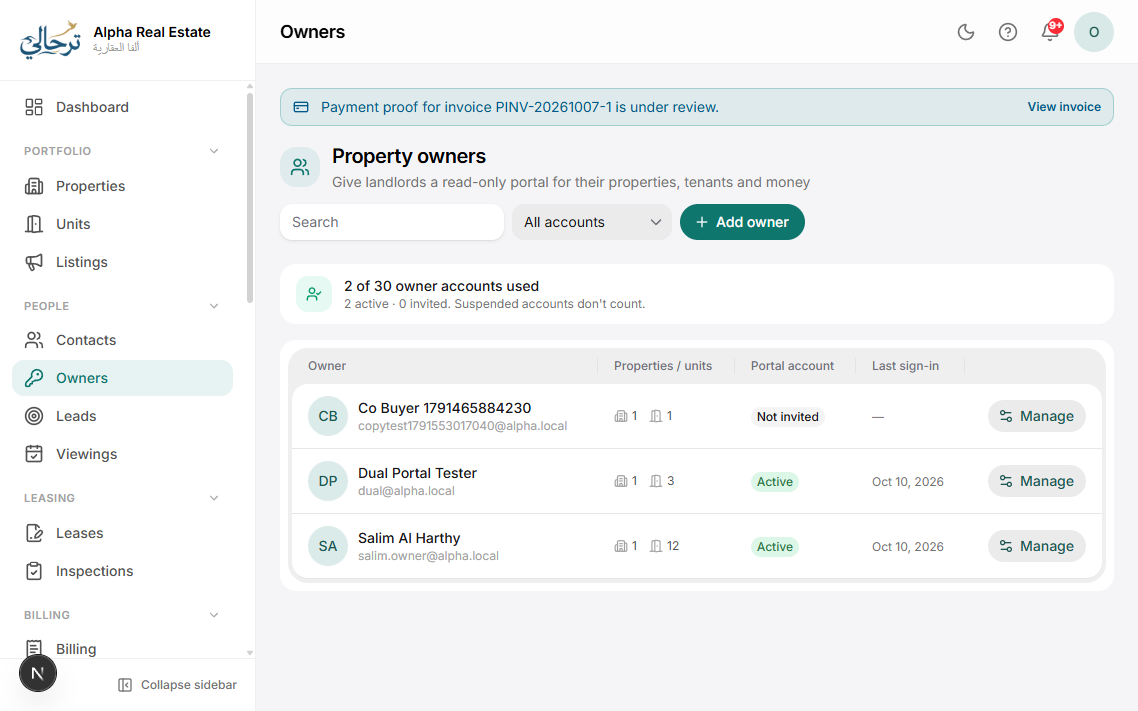
Statements can be generated for all owners at once from the Statements page; each gets its own PDF and message.
Choose the statement design in Settings → Templates → Owner statement — several styles are available.
Was this article helpful?
Related articles
Create an owner and assign their propertiesHow-toBasicOwners page: profile, management fee, bank details and the properties you manage for them.1 min readThe property Finance tabConceptIncome, expenses, bills and net result per property — the basis of owner statements.1 min readOwner portal overviewOverviewBasicWhat an owner sees: only their properties, in view-only mode, on any device.1 min read