

How-to1 min read·Updated Nov 2, 2026
Global search and keyboard shortcuts
Jump to any record from anywhere with Ctrl+K.
Press Ctrl + K (⌘ + K on Mac) anywhere in the dashboard to open global search. Type a unit number, a tenant's name or phone, an invoice number or a property name and press Enter to open the first result.
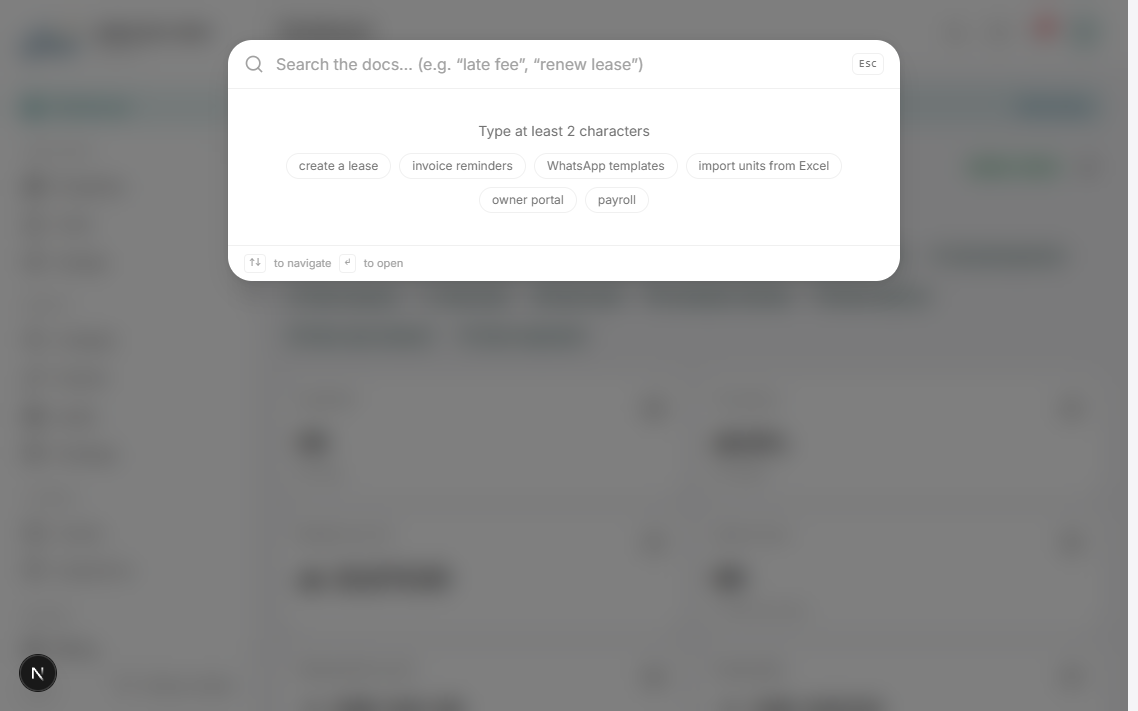
- ↑ / ↓ move between results, Esc closes.
- Phone numbers match with or without the country code.
- Inside the Help Center the same shortcut searches articles instead.
Searching an invoice number such as INV-2025-0042 opens the invoice directly.
Was this article helpful?