

How-to1 min read·Updated Nov 2, 2026
Give a tenant or buyer access to the client portal
Send a WhatsApp magic link or emailed credentials so clients can see invoices, pay and raise requests.
Client portal feature
Available from the Basic plan (OMR 39.00). Sign in to your agency to see whether your plan includes it.
BasicProfessionalUltimate
Requires permission
agency.contacts.portal_accessThe client portal is a mobile-first web app where tenants and buyers see their contracts, invoices and receipts, pay online, submit maintenance requests and chat with you. Access is per contact.
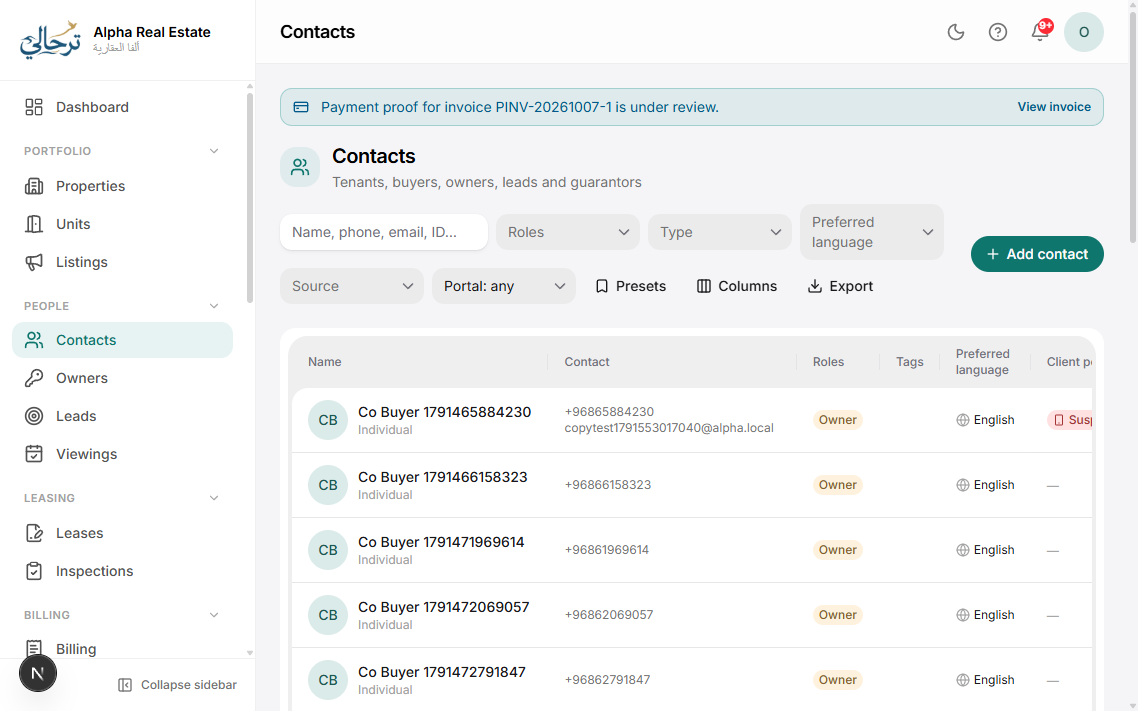
- Open the contact and press Portal access.
- Choose how to invite: WhatsApp link (a one-tap login link valid for a limited time) or Email credentials (a temporary password they must change).
- Press Send. The portal URL is your website address followed by /portal — or the universal login page's “Client / Owner” tab.
- The contact's profile now shows “Portal: active” with last-login time. You can resend the link or revoke access at any time.
Contacts who are also owners use the same login and can switch between the client and owner portals from the menu.
Requires the Client portal feature. The Mobile app feature additionally lets clients install the portal as an app with push notifications.
Was this article helpful?
Related articles
Client portal overviewOverviewBasicA mobile-first portal where tenants see leases, pay invoices, report maintenance and download documents.1 min readAdd a contact (tenant, buyer or guarantor)How-toCreate a person or company, capture ID documents and set their preferred language.1 min readInvite an owner to the owner portalHow-toBasicWhatsApp login link or emailed credentials; what owners can see once inside.1 min read