

How-to1 min read·Updated Nov 2, 2026
Property documents and expiry alerts
Store deeds, permits and insurance per property and get warned before they expire.
Document expiry alerts feature
Available from the Basic plan (OMR 39.00). Sign in to your agency to see whether your plan includes it.
BasicProfessionalUltimate
Requires permission
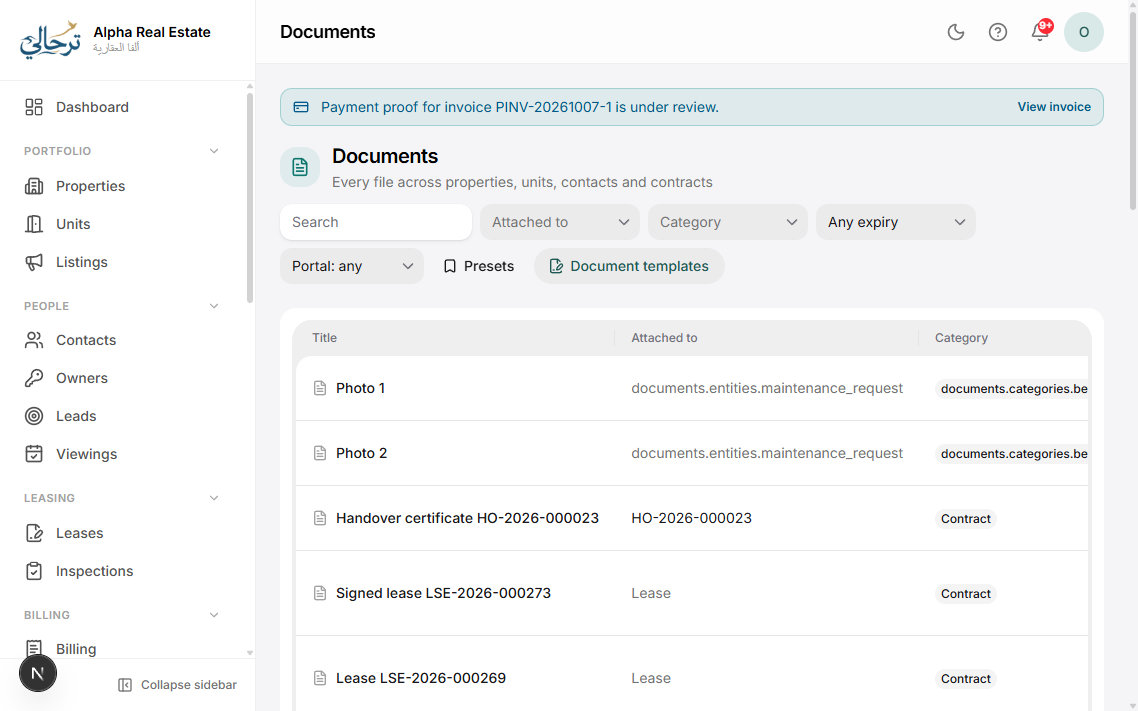
agency.documents.createEvery property, unit, contact and lease has a Documents tab. Files uploaded there are scanned for malware, stored securely and shown to the right people (for example a tenant sees their own contract in the portal, never another tenant's).
- Open the property → Documents and press Upload.
- Pick a document type (title deed, municipality permit, civil-defence certificate, insurance policy…). Types are managed in Settings → Documents.
- If the document expires, set the expiry date.
- Save. Expiring documents appear on the home dashboard and trigger reminders.
Expiry reminders (in-app, email and WhatsApp) are part of the Document expiry alerts feature. Without it you can still store documents and see the expiry date.
Set how many days in advance you want to be warned in Settings → Notifications → Document expiry.
Was this article helpful?
Related articles
The documents libraryHow-toStore, tag, share and find every file — attached to properties, contacts, leases or stand-alone.1 min readChoose which notifications are sent and on which channelsHow-toEvery event — invoice issued, lease expiring, leave approved — can be switched per channel for clients and staff.1 min read