

How-to1 min read·Updated Nov 2, 2026
Run a move-in or move-out inspection
Room-by-room checklist on a phone, photos per item, tenant signature and a bilingual PDF report.
Requires permission
agency.inspections.create- From the lease press Schedule inspection and choose Move-in or Move-out, date and inspector.
- On site, open the inspection on a phone. Walk through the rooms from the checklist; for each item set the condition (good / fair / damaged), add photos and a note.
- For move-out, Boyoti shows the move-in condition and photos next to each item so differences are obvious. Mark items as tenant-chargeable with an estimated cost.
- Collect meter readings (electricity, water, gas) and the number of keys / access cards returned.
- Have the tenant and inspector sign on the screen, then press Complete. A bilingual PDF report is generated and sent to the tenant.
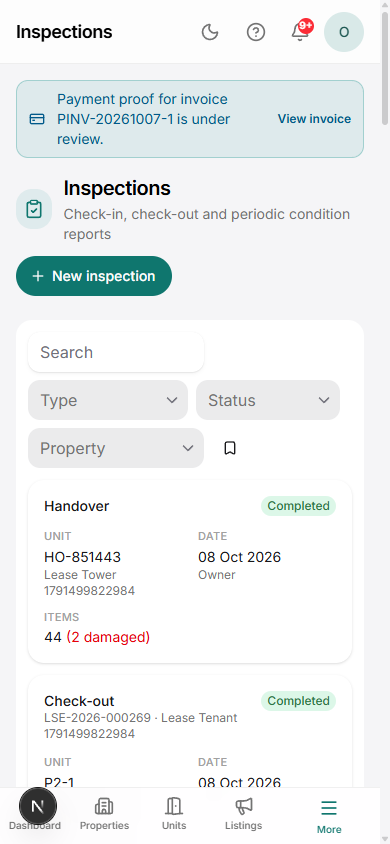
Chargeable items on a move-out inspection become proposed deductions in the deposit refund workflow.
Was this article helpful?
Related articles
Customise inspection checklistsHow-toDefine rooms and items per unit type in Settings → Inspections.1 min readRefund a security depositHow-toBasicDeduct inspection damages and unpaid bills, then pay out the balance with a statement.1 min readGive notice or terminate a lease earlyHow-toRecord notice, settle remaining invoices, apply penalties and release the unit.1 min read